
Slotonauts Login: Sign In and Get Back to Your Games
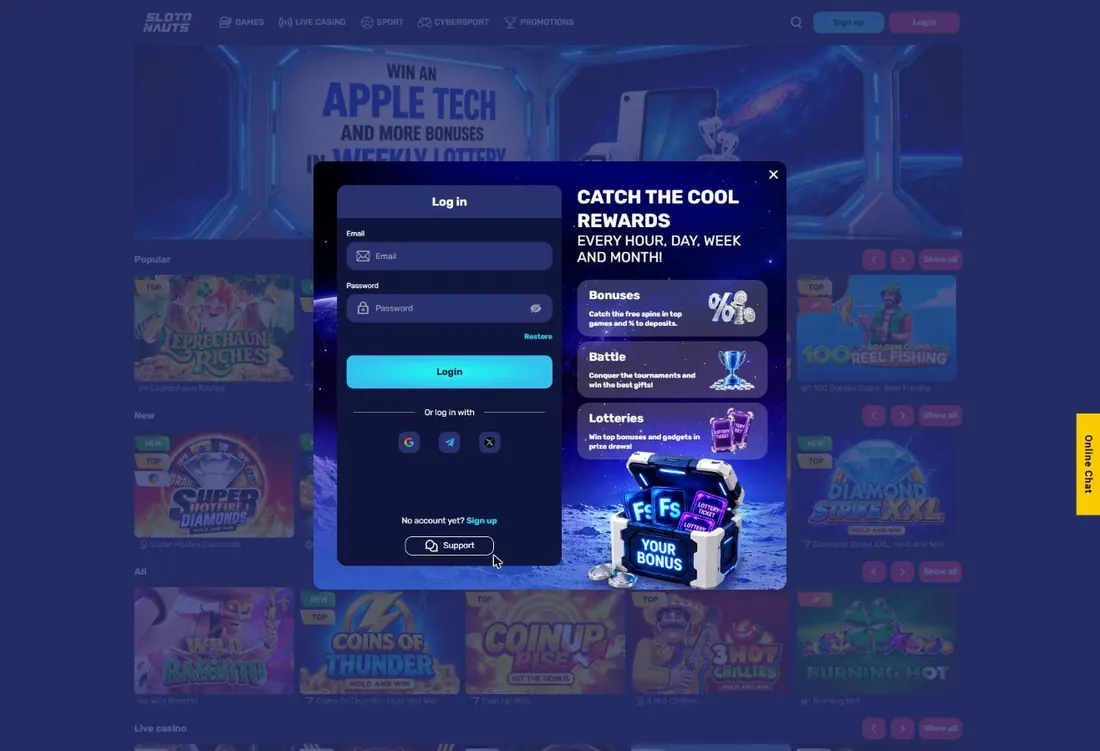
Signing in to Slotonauts 777 takes a few seconds: enter your e-mail and password or pick Google, Telegram or X. If the password slips your mind, you can restore it right in the same window.
What Your Account Gives You
Logging in unlocks everything that needs a balance:
- real-money play in slots, live tables, crash and table games;
- the Cashbox for deposits, withdrawals and your Withdrawal history;
- bonuses, including the 375% welcome package, which you activate in your account;
- Endless Missions and loyalty points for the Character VIP programme;
- bets on sport and cybersport from the same balance.
Without signing in, pressing Play on a game opens the sign-up form instead.
Where the Login Button Is
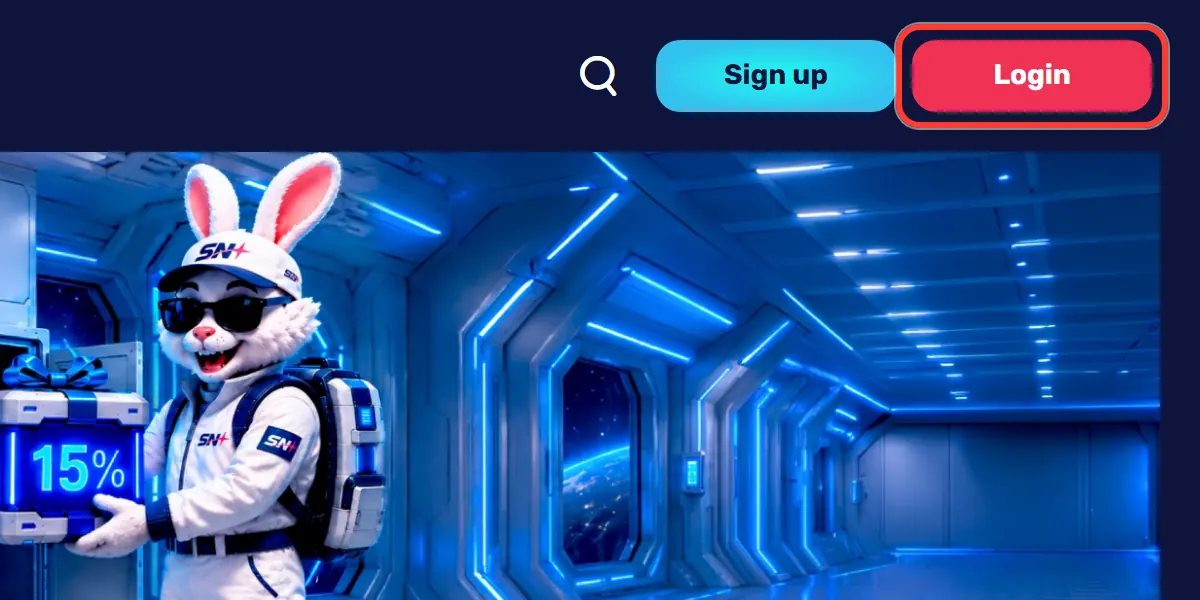
On a computer, the red Login button sits in the top right corner of every page. On a phone, you will find it in the header or in the burger menu. The blue button next to it is Sign up, which opens registration, so make sure you press the red one if you already have an account.
How to Sign In Step by Step
The whole process fits into five short steps:
- Press the red Login button.
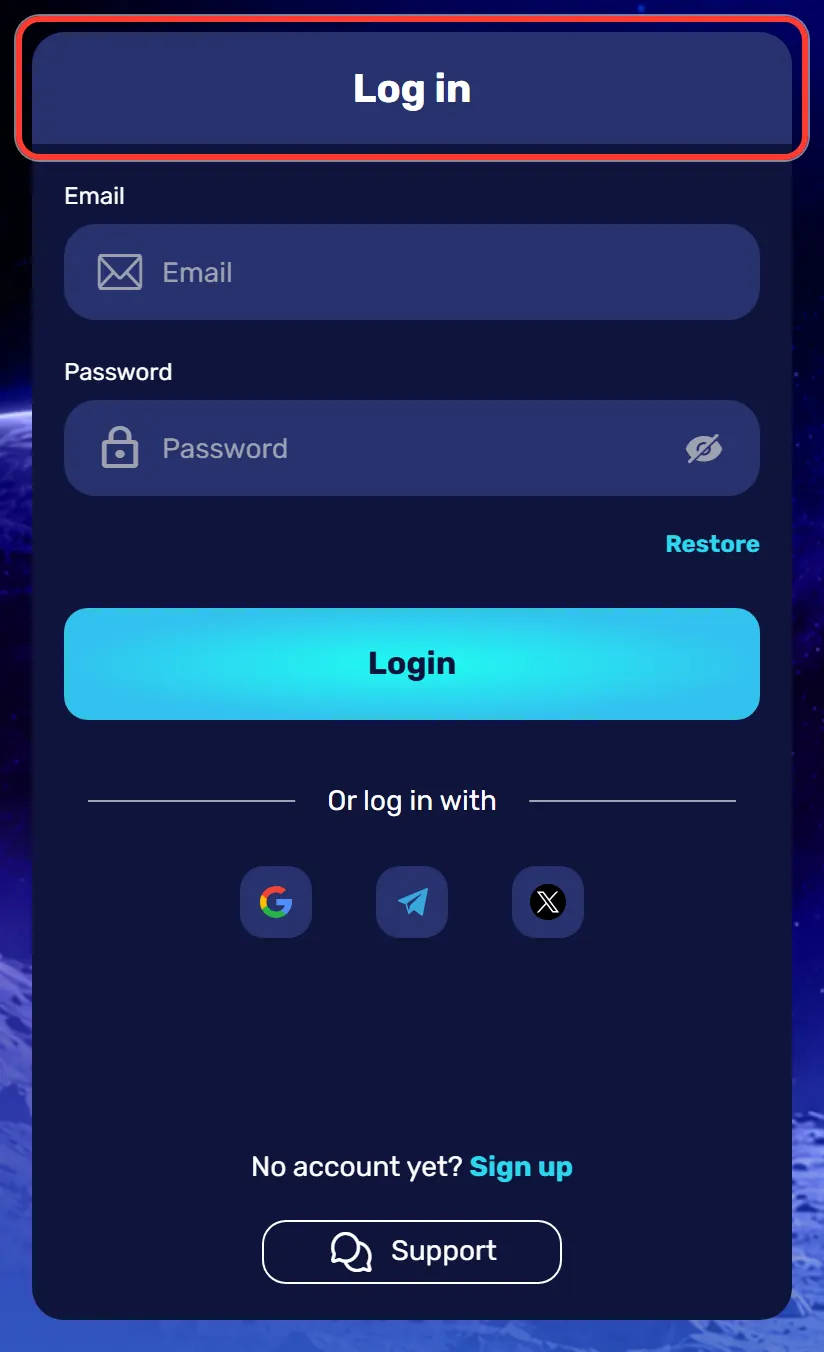
- The Log in window opens.
- Type your e-mail in the Email field.
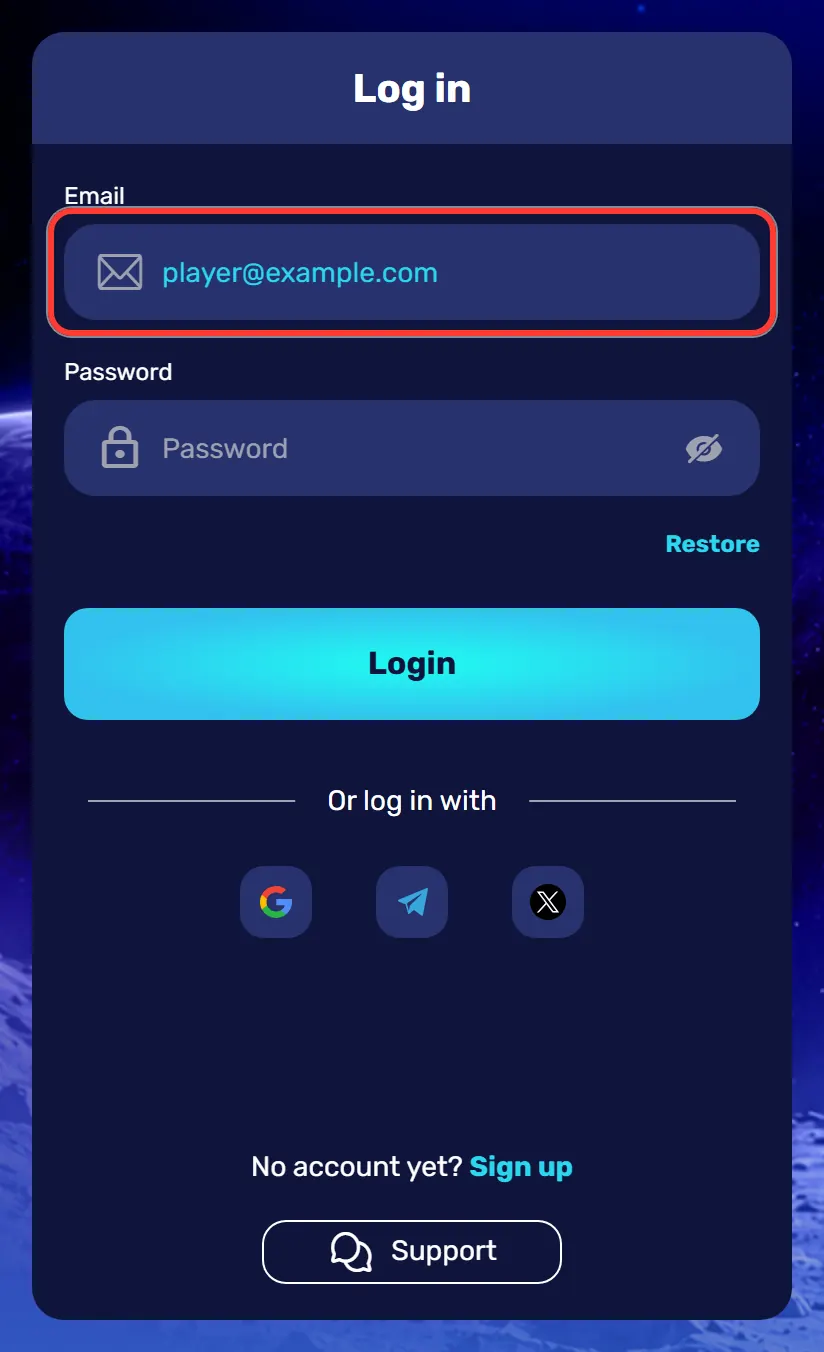
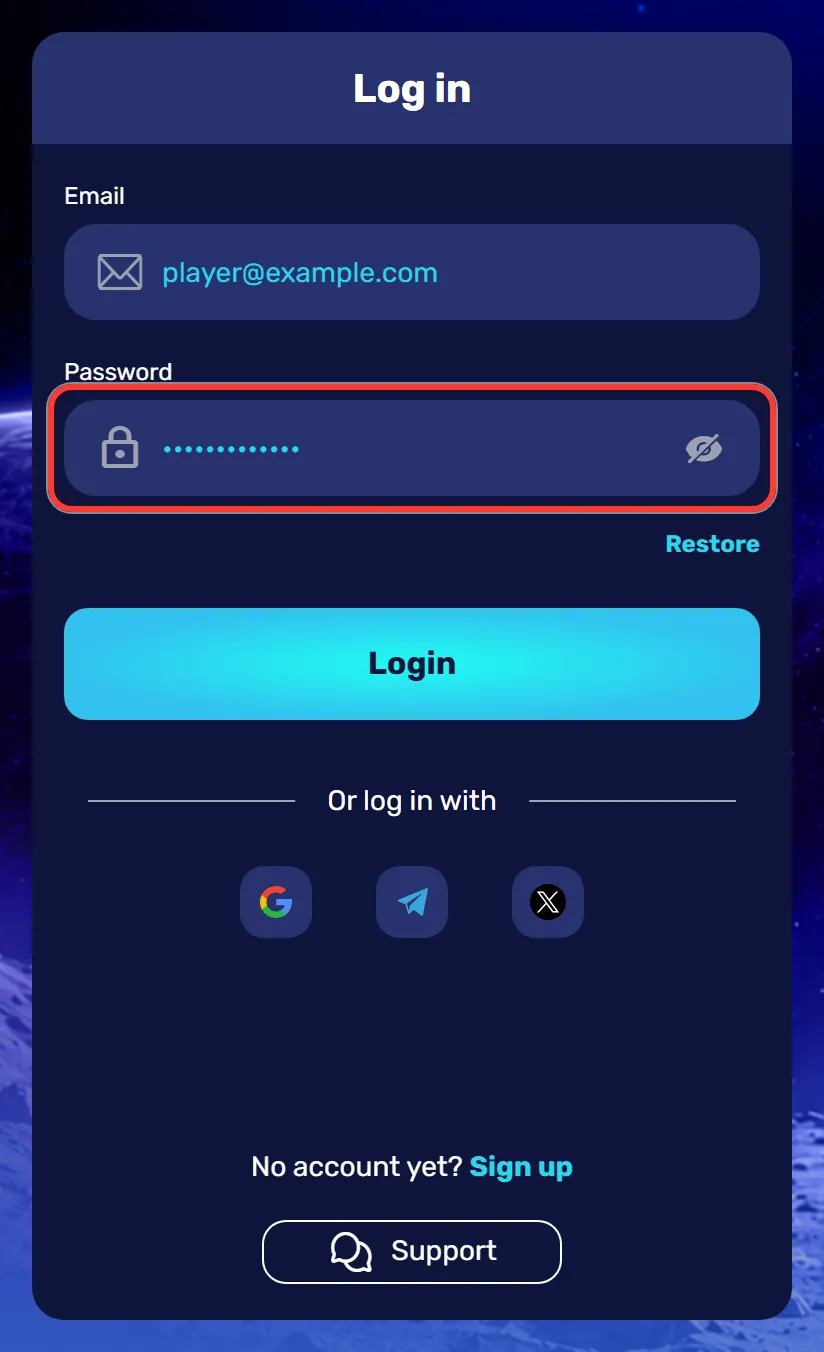
- Type your password in the Password field. The eye icon shows or hides what you typed.
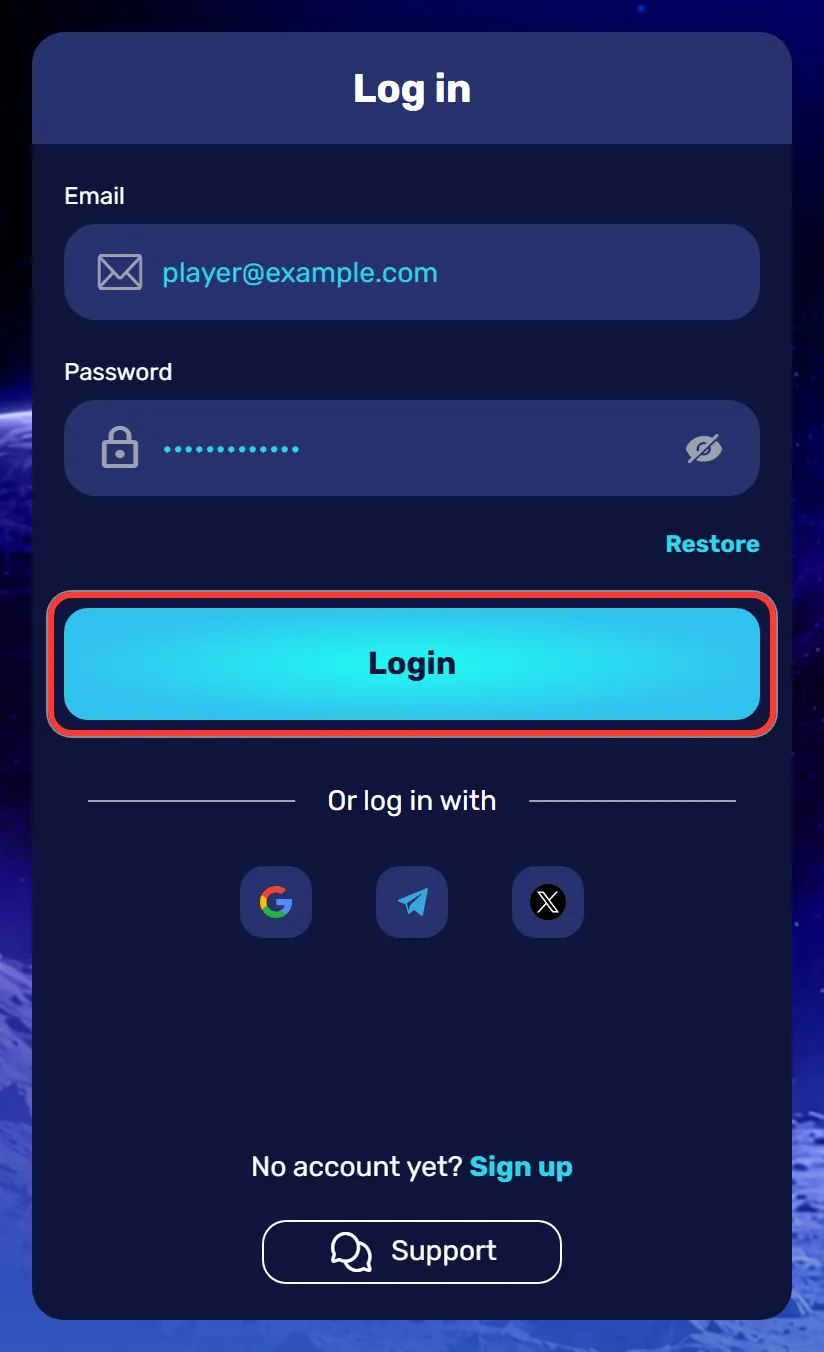
- Press the blue Login button.
One-Tap Login with Google, Telegram or X
Under the form, the "Or log in with" row offers Google, Telegram and X. One tap and you are in, with no password to type. Use the same method you signed up with: if you registered through Google and never created a password, the e-mail and password form will not open your account.
Logging In on Mobile and in the App
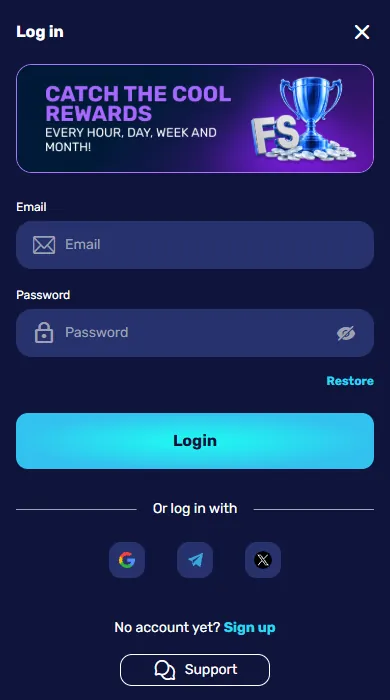
In a mobile browser, the form is the same, with the promo banner shown above it instead of on the side. The Android app and the iPhone web app use the same login details, so you do not need a separate account. If you have not installed the Slotonauts mobile app yet, note that installing it brings a bonus of up to 50 €.
Forgot Your Password? Restore Access
A forgotten password is fixed from the login window itself:
- Press Restore under the password field.
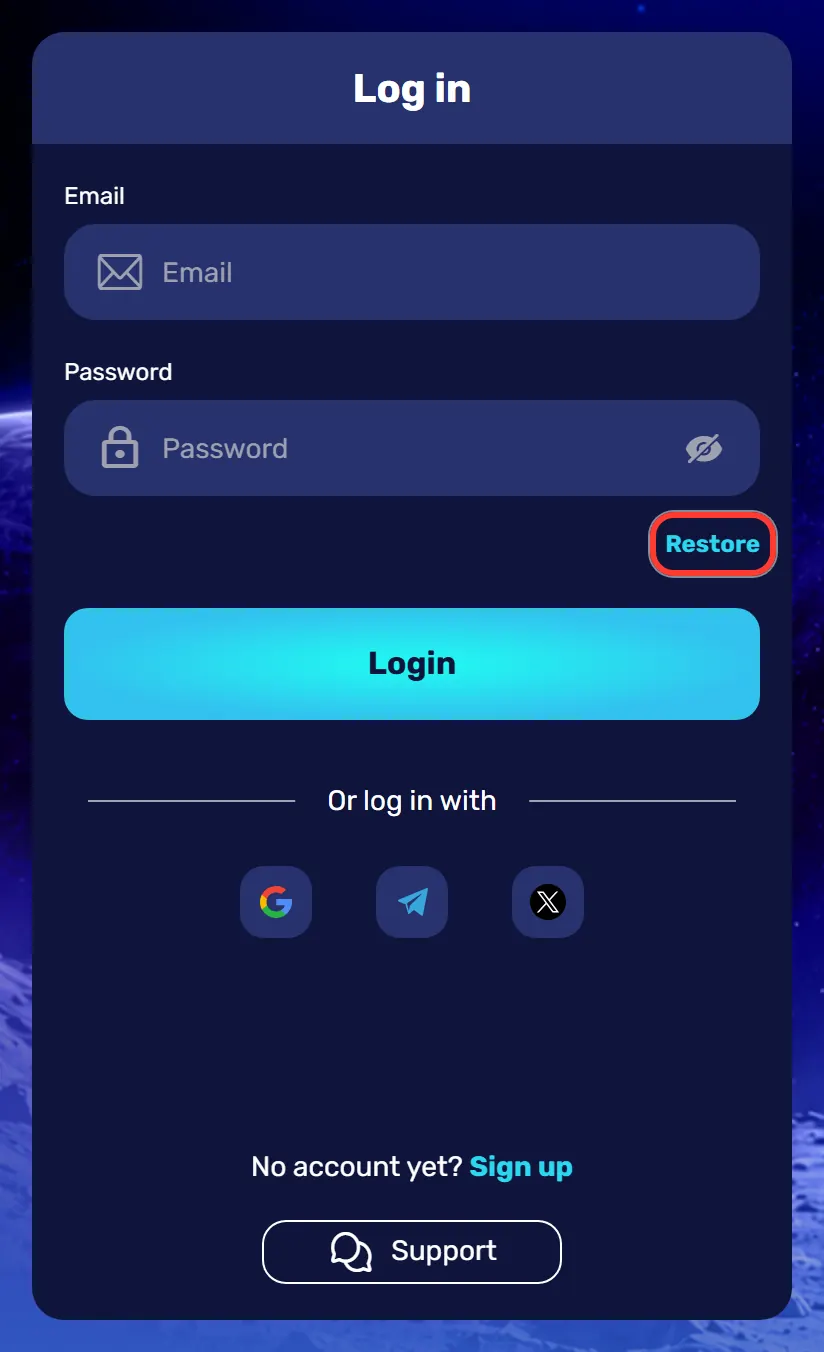
- The Password recovery window opens with two tabs, E-mail and Phone.
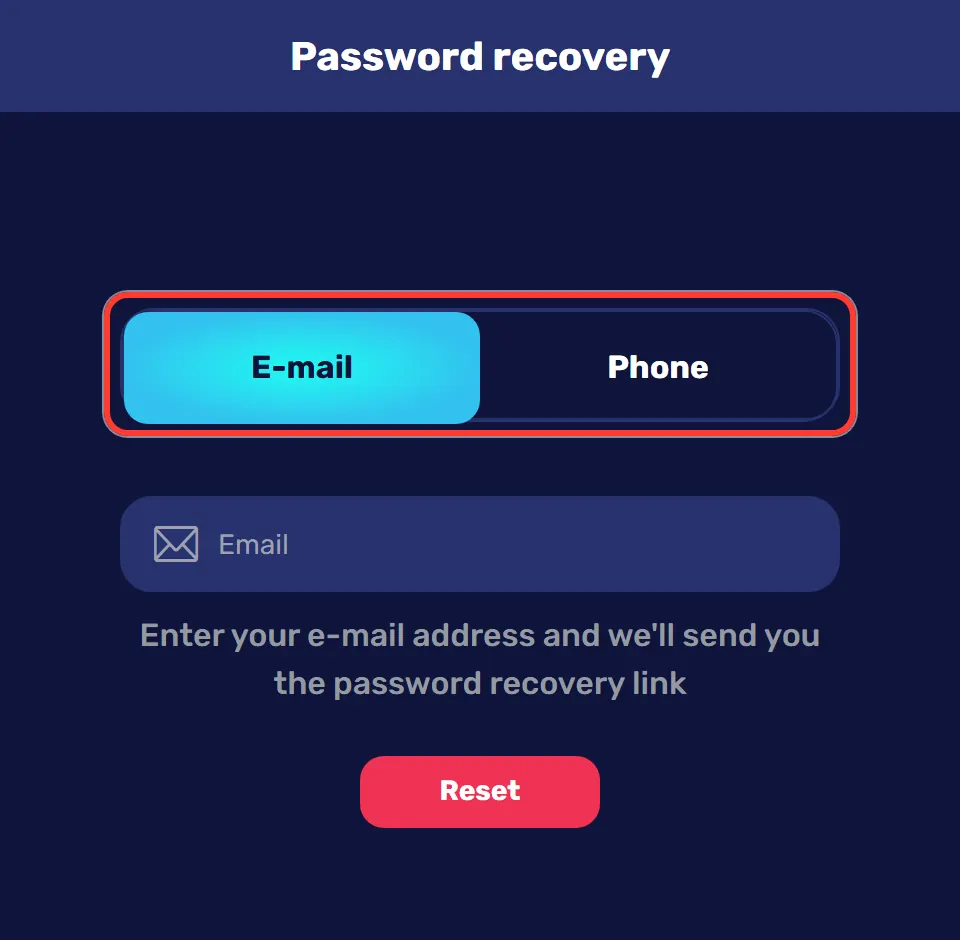
- Enter the e-mail or phone number linked to your account.
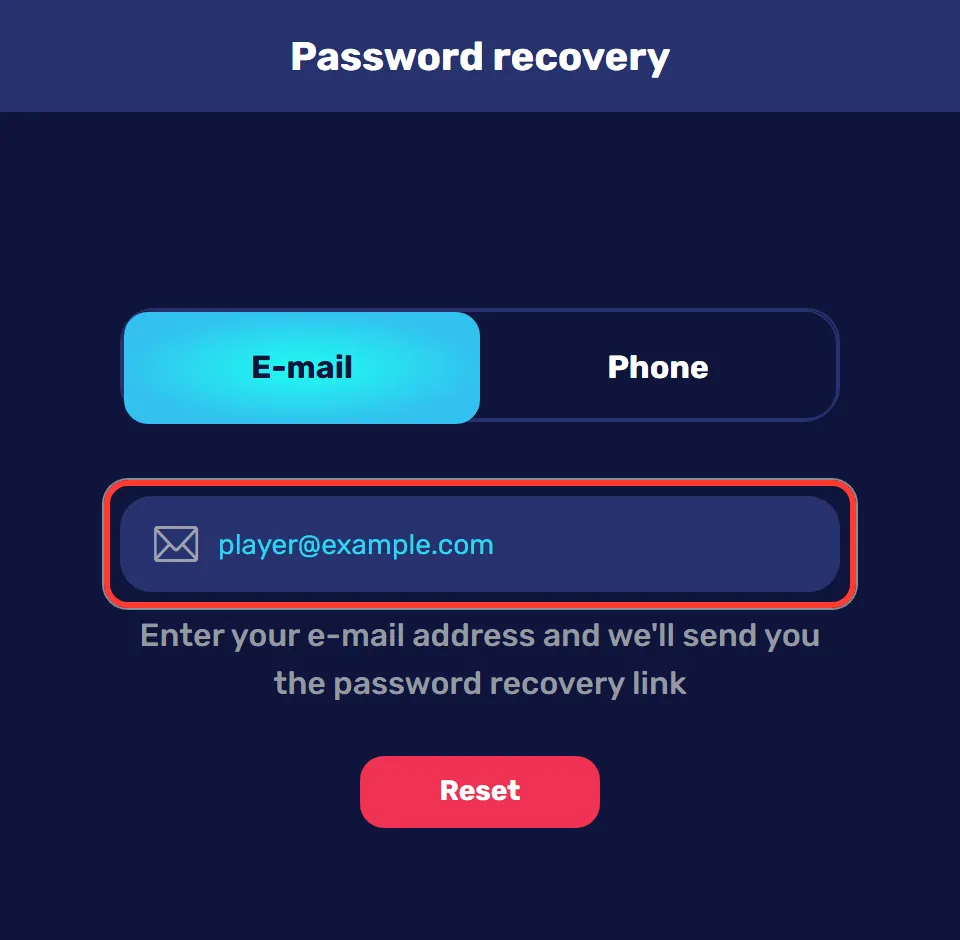
- Press Reset.
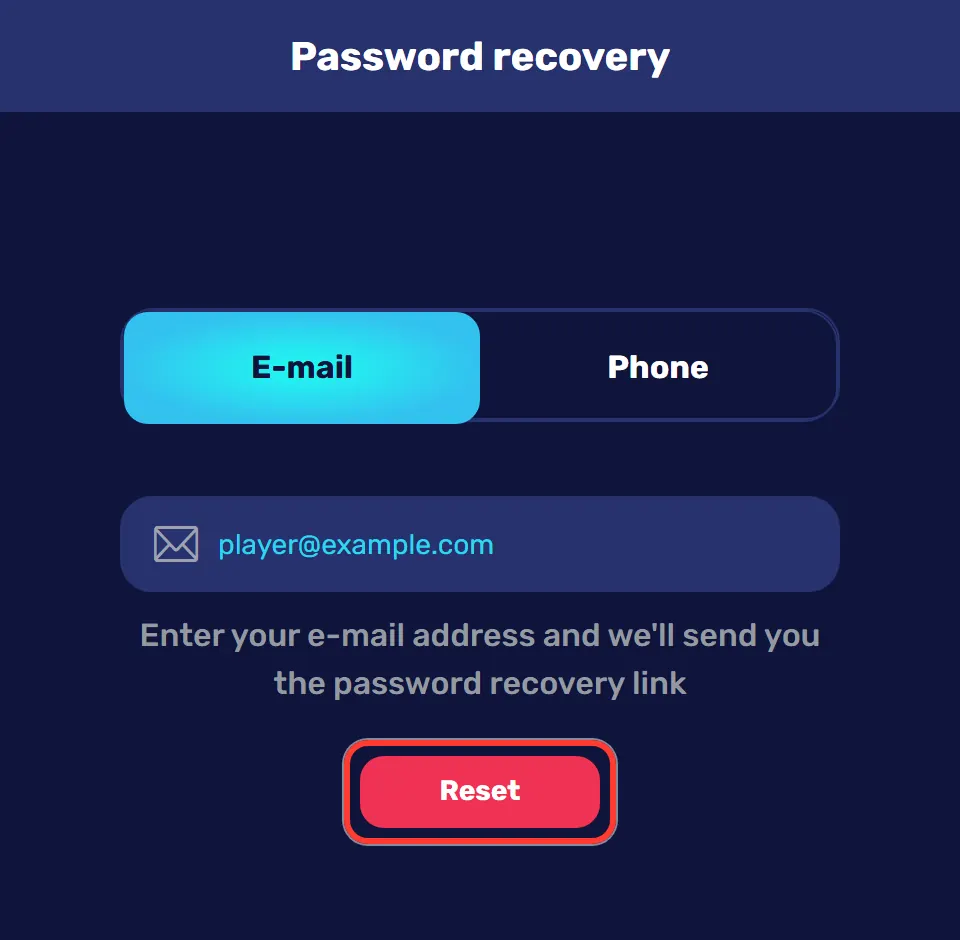
- Open the link from the letter in your inbox and set a new password.
Login Problems and Quick Fixes
Most sign-in problems have a simple cause. Check this list before you contact support:
| Problem | What to do |
|---|---|
| Wrong password | Check the keyboard layout and Caps Lock, then try again or use Restore |
| Wrong login method | If you signed up with Google, Telegram or X, use the same button |
| Typo in the e-mail | Check the address letter by letter, especially the domain |
| No recovery letter | Look in your spam folder, then request the link again |
| The page does not load | Refresh the page, clear the browser cache or open the app |
Still stuck? Press Support at the bottom of the login window to open the chat.
What to Do After Your First Login
A short checklist saves time later:
- Confirm your e-mail: press Confirm email in your profile and open the link from the letter.
- Confirm your phone: press Confirm number and enter the code from the SMS.
- Activate the bonus before your first deposit.
- Top up in the Cashbox.
- Start the Endless Missions: the first 10 take you to the Moon Hooper VIP level.
Keeping Your Account Safe
The site runs over SSL, and a few habits on your side keep your account protected:
- use a strong password that you do not use anywhere else;
- never share your login details with anyone;
- log out when you play on a shared device;
- sign in only on the official site or in the app;
- do not open links from suspicious letters that ask for your password.
Login, Verification and Withdrawals
You can log in and play without verification. To cash out, though, you need a confirmed e-mail and phone, approved documents and each deposit wagered at least x3. Upload your documents early, and when the time comes to withdraw your winnings, nothing will hold up the request.
No Account Yet?
At the bottom of the login window there is a "No account yet? Sign up" link. Registration takes one step: an e-mail, a password and a ticked 18+ box. Right after it, the welcome package of 375% up to 3000 € + 300 FS becomes available.
FAQ
Can I sign in with my phone number?
The login form uses your e-mail and password, or Google, Telegram and X. Your phone number helps if you lose access: the Password recovery window has a Phone tab.
What if I forgot my password?
Press Restore under the password field, choose E-mail or Phone and press Reset. Then follow the link from the letter and set a new password.
I signed up with Google. How do I log in?
Press the Google button under "Or log in with". If you never created a password, the e-mail and password form will not work for your account.
Do I need a separate account for the app?
No. The Android app and the iPhone web app use the same e-mail, password or social login as the website, with the same balance and bonuses.
Do I have to verify my account to log in?
No. Verification is needed before a withdrawal: a confirmed e-mail and phone plus documents. You can sign in and play without it.
Why does Play open the sign-up form?
Games need an account. If you press Play without signing in, the site shows the sign-up form. Log in first and the game opens straight away.
How do I contact support if I cannot log in?
Press Support in the login window or open the Online Chat tab. You can also write to customercare@slotonauts.email or call +44 124 134 0777.
Need Help Signing In?
The Support button in the login window and the Online Chat tab open a chat with the team. You can also write to customercare@slotonauts.email or call +44 124 134 0777.